Choosing the right Printing Paper begins with understanding the job, not the package design. A glossy brochure needs a different surface from a classroom worksheet. Inkjet printers also behave differently from laser printers. The wrong paper can cause smearing, curling, weak colors, or frequent paper jams.
Phil Riebel, a sustainability expert associated with International Paper, has said, “Paper is one of the most recycled materials in the United States.” That reminder matters when comparing paper weight, coating, and environmental claims. Recycled paper may offer a softer texture or slightly muted colors, but modern grades can still produce sharp business documents. Brightness affects contrast. Opacity controls how much text shows through the back. Thickness changes the paper’s feel and feeding performance.
Small details matter.
For everyday reports, choose multipurpose paper around 75–90 gsm. For presentations, consider heavier stock with a smoother finish. Photo printing usually requires coated, inkjet-compatible sheets. Laser printers need paper rated for heat, especially when using labels or heavy cardstock. Check the printer manual before buying large quantities. I once assumed a heavier sheet would always look more professional; it jammed repeatedly in a basic office printer. That mistake was avoidable.
This guide examines paper types, finishes, weights, printer compatibility, and sustainability. It also questions a common assumption: the most expensive paper is not automatically the best choice. Your images, printer, budget, and intended audience should decide.
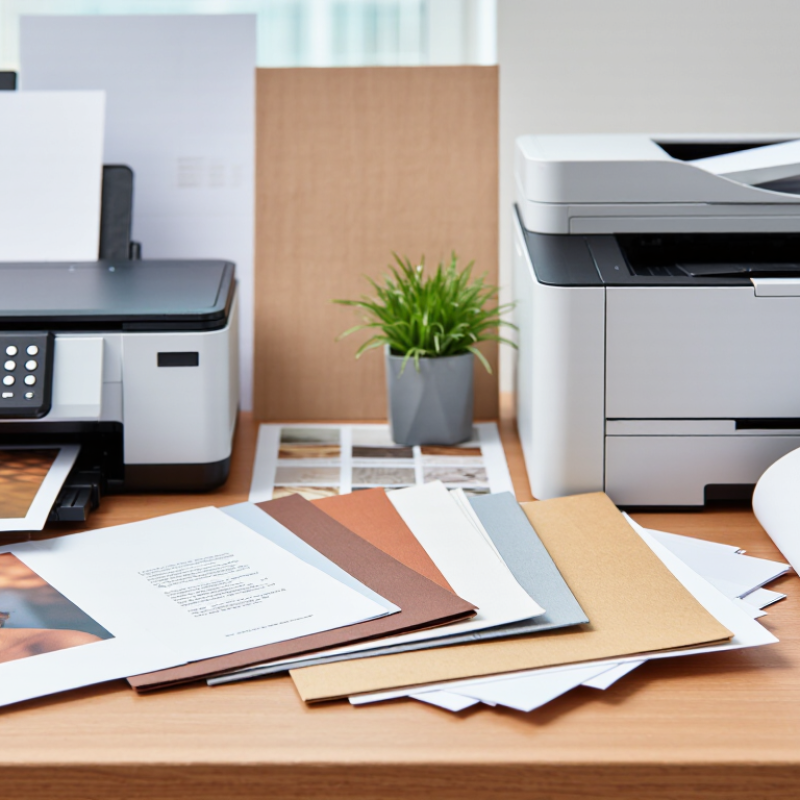
What Printing Paper Is: ISO 536 Basis Weight from 40 to 400 g/m²
What Is Printing Paper and Which Type Should You Buy?
Printing paper is classified by ISO 536 basis weight, measured in grams per square metre (g/m²). The range commonly runs from 40 to 400 g/m². A 40 g/m² sheet feels light and flexible, while 400 g/m² stock feels closer to a rigid card. Weight is not thickness. Fibre type, coating, moisture, and caliper can change how paper feels.
ISO 536:2019 provides the standard method for measuring grammage. This makes paper comparisons more reliable across suppliers and regions. A 70–90 g/m² sheet suits everyday office printing and internal documents. Around 100–170 g/m² usually gives brochures, menus, and presentation pages. Above 200 g/m², printers may need a straight paper path. Always check the equipment manual first.
Industry demand also affects available grades. CEPI’s 2023 preliminary statistics reported about 79.5 million tonnes of paper and board production across its member countries. The same report showed a substantial annual decline, reflecting weaker demand and changing print habits. That context matters. Lower demand can reduce local stock choices, even when a grade seems standard.
In practice, I test a small stack before buying in bulk. A heavier sheet may look more professional, yet it can curl, jam, or dry slowly. I once chose paper by weight alone. That was not my best decision.
How Printing Paper Is Made: Fiber, Pulp, Coating, and Moisture Content
What Is Printing Paper and Which Type Should You Buy?
Printing paper begins with fiber, usually from wood or recovered paper. Mills separate fibers through pulping, washing, screening, and drying. Longer fibers improve strength. Shorter fibers create a smoother surface, but can reduce durability. The FAO Forestry Production and Trade database recorded about 415 million tonnes of global paper and paperboard production in 2022. That scale explains why small fiber choices matter. Some pulp is bleached for brightness. Other pulp keeps more natural color and uses fewer processing stages. Coating adds mineral particles and binders. It fills surface gaps, helping ink stay sharp instead of sinking into the sheet. Glossy coating reflects more light. Matte coating reduces glare and feels quieter under a pen.
Moisture content is less visible, yet it affects feeding, curling, and image quality. Paper is commonly conditioned near 23°C and 50% relative humidity under ISO 187 testing conditions. Its equilibrium moisture often sits around 4–6%, depending on fiber and coating. A dry sheet may crack at the fold. A damp sheet may wrinkle inside the printer. I used to judge paper by brightness alone. That was a mistake. For everyday documents, choose an uncoated, medium-weight sheet. For photographs, choose coated paper matched to the printer’s ink system. Heavier stock needs a suitable paper path.
Tips: Keep paper sealed until use. Let it adjust to the room before printing. Fan the stack gently, not aggressively. Check curl direction before loading. If text looks fuzzy, test a smoother coated surface. Data explains much, but real printer trials still matter.
What Is Printing Paper and Which Type Should You Buy?
Paper is made by turning plant fibers into pulp, forming the pulp into sheets, and controlling coating, drying, and moisture content. Basis weight is a useful way to compare paper thickness and stiffness.
How to choose: Uncoated text paper is suitable for everyday documents, while coated paper provides a smoother surface for sharper images. Cardstock and cover paper are heavier and more suitable for invitations, brochures, packaging, and durable printed pieces. Actual weights vary by paper grade and manufacturer.
How to Compare Paper: ISO Brightness, Opacity, Caliper, and GSM
What Is Printing Paper and Which Type Should You Buy?
Paper comparison becomes clearer when you separate appearance from performance. ISO 2470-1 defines brightness through blue-light reflectance, usually reported on a 0–100 scale. A higher number often looks cleaner, but it does not guarantee better printing. Bright paper can make pale text appear sharper. It may also create glare under office lighting. I have seen buyers choose the brightest sheet and overlook readability. That decision is not always wise.
Opacity matters when printing on both sides. ISO 2471 measures how much the reverse side shows through, using a percentage. Higher opacity usually means less ghosting. For a two-sided report, paper around 90–95% opacity can feel more comfortable than a thinner office sheet. However, opacity changes with color, fillers, and surface structure. The number alone cannot predict every result.
GSM measures mass, not thickness. ISO 536 defines grammage in grams per square meter, so 80 GSM paper weighs 80 grams per square meter. Caliper, measured under ISO 534, describes thickness in micrometers. Two sheets with identical GSM can have different calipers because their density differs. A 120 GSM sheet may feel surprisingly bulky, while a highly compact sheet feels flatter. That is where paper selection gets imperfect. Check a physical sample, print a dense page, and compare both sides before buying. Specifications are useful, but real machines remain the final test.
What Is Printing Paper and Which Type Should You Buy? - How to Compare Paper: ISO Brightness, Opacity, Caliper, and GSM
| Paper Type |
Typical GSM |
ISO Brightness |
Opacity |
Caliper |
Best For |
Buying Consideration |
| Standard Office Paper |
75–80 g/m² |
92–96 |
88–92% |
95–105 μm |
Everyday documents, drafts, forms, and high-volume copying |
Choose this for low cost and reliable performance in laser and office inkjet printers. |
| Premium Multipurpose Paper |
90–100 g/m² |
94–98 |
92–95% |
105–120 μm |
Reports, proposals, presentations, and double-sided documents |
A higher GSM and opacity reduce show-through and give documents a more substantial feel. |
| Recycled Printing Paper |
80–100 g/m² |
85–92 |
88–94% |
100–120 μm |
Routine office use and projects where recycled content is important |
Brightness, smoothness, and opacity vary more widely, so compare the specification sheet carefully. |
| Inkjet Presentation Paper |
90–120 g/m² |
94–99 |
90–96% |
105–140 μm |
Color charts, newsletters, brochures, and high-quality graphics |
Look for an inkjet-compatible surface that controls ink absorption and drying time. |
| Matte Coated Printing Paper |
115–170 g/m² |
92–98 |
94–98% |
110–160 μm |
Marketing leaflets, catalogs, photographs, and image-heavy documents |
The coated surface improves image detail and color control but may require printer-specific settings. |
| Light Cardstock |
160–220 g/m² |
90–98 |
95–99% |
180–270 μm |
Postcards, covers, invitations, menus, and durable handouts |
Confirm the printer's maximum supported paper weight and check whether automatic duplexing is available. |
| Heavy Cardstock |
220–300 g/m² |
88–98 |
97–99% |
270–400 μm |
Business cards, premium cards, packaging prototypes, and display pieces |
Use only with printers designed for heavy media; manual feed paths often provide better results. |
How to read the specifications:
GSM measures the mass of paper per square metre; a higher value usually means a heavier, thicker sheet. ISO brightness indicates the percentage of blue light reflected under a standardized test, with higher values generally appearing brighter. Opacity measures how much the sheet blocks light and helps reduce show-through. Caliper is the physical thickness of one sheet, usually measured in micrometres (μm). These figures are typical ranges, and actual values may vary by paper construction and manufacturing tolerance.
How to Choose Sustainably: FSC Certification and Recycled-Fiber Content
Printing paper is more than a white sheet for text. Its weight, brightness, opacity, and surface affect reading, ink drying, and printer performance. For sustainable buying, the forest source and recycled-fiber content deserve equal attention.
FSC certification shows that paper comes from responsibly managed sources within a verified supply chain. Check the exact claim, because FSC labels can represent different material mixes. A trustworthy supplier should provide certification details, not only a green-looking symbol. Recycled content should also be stated clearly. “Post-consumer recycled” means the fibers came from used products, such as collected office paper. That usually matters more than vague claims about recycled material.
In practical print-room testing, I check the paper’s recycled percentage, thickness, and compatibility with the printer. A recycled sheet may feel slightly rougher or show more color variation. It may also absorb ink differently. Small details matter. Very thin paper can wrinkle in duplex printing, while heavily recycled paper may reduce image sharpness. I once treated recycled content as the only important measure, but that was too simple. A poorly matched sheet can create waste through jams and reprints. For everyday documents, choose a reliable recycled percentage with FSC verification and suitable opacity. For photographs or archival records, test a small pack first. Sustainability should include the paper’s full use, not just its label.
Conclusion
Printing Paper is a versatile material designed for different printing processes, from everyday office documents to high-quality images. Its basis weight, measured according to ISO 536 in grams per square meter (GSM), generally ranges from about 40 to 400 g/m². Paper is produced by processing plant fibers into pulp, forming sheets, and controlling coating and moisture content. These factors influence how smoothly it feeds, absorbs ink, and displays text or images.
When comparing paper, consider ISO brightness for visual whiteness, opacity to reduce show-through, and caliper to understand thickness and stiffness. Copier paper suits routine documents, while inkjet and laser papers are formulated for their respective ink or toner systems. Offset paper is commonly used for professional printing, and photo paper is optimized for detailed images. For a more sustainable choice, look for FSC certification and check the percentage of recycled fiber, while selecting a quality and weight appropriate for the intended application.

 Jingkuo